
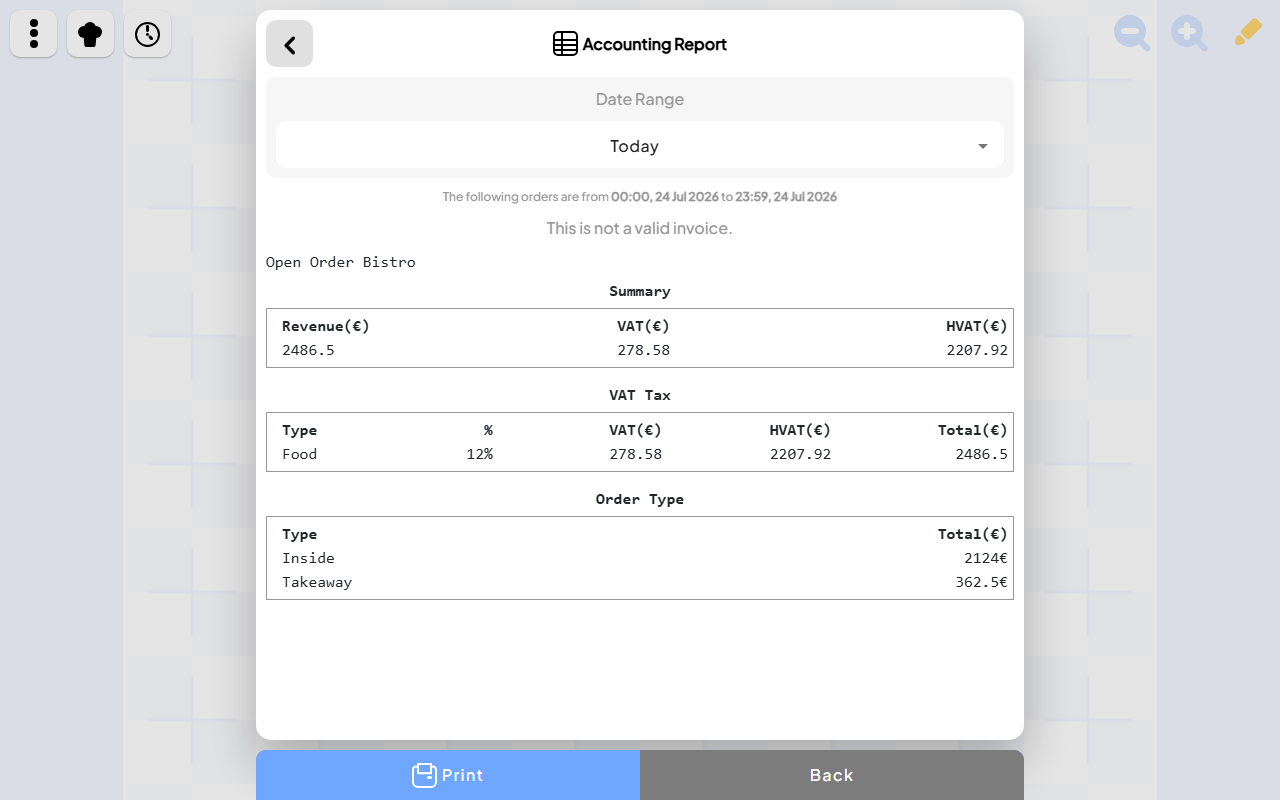
The best restaurant application is not necessarily the one with the most add-ons. During service, teams need to see the room, understand each table, send accurate orders, coordinate the kitchen, update the menu, settle payments, and find answers quickly.
This ranking prioritizes visual floor clarity, mobile and tablet usability, continuity from guest order to kitchen to receipt, and useful daily reporting. A platform with a different specialty may be the better choice for a restaurant that prioritizes payroll, loyalty, delivery marketplaces, or an existing payment provider.
1. Open Order: best for visual, adaptable restaurant operations
Open Order ranks first for restaurants that want the digital workspace to behave like the real room. Its customizable floor map lets staff add, resize, rename, and move tables from mobile and tablet screens. That visual starting point connects to guest QR ordering, live table orders, Chef View, menu editing, payments, receipts, accounting, and order history.
Its best quality is continuity. Guests, front-of-house, kitchen staff, and managers see different views of the same service instead of maintaining separate versions of what is happening. Live updates help the team respond when a dish is ready, a payment is completed, or the floor changes.
Open Order is the best app in this list for a focused visual service flow that can adapt around an independent restaurant. Established competitors have larger hardware and integration ecosystems, but Open Order makes the restaurant's current state unusually easy to see.
2. TouchBistro: best for an iPad-first restaurant setup
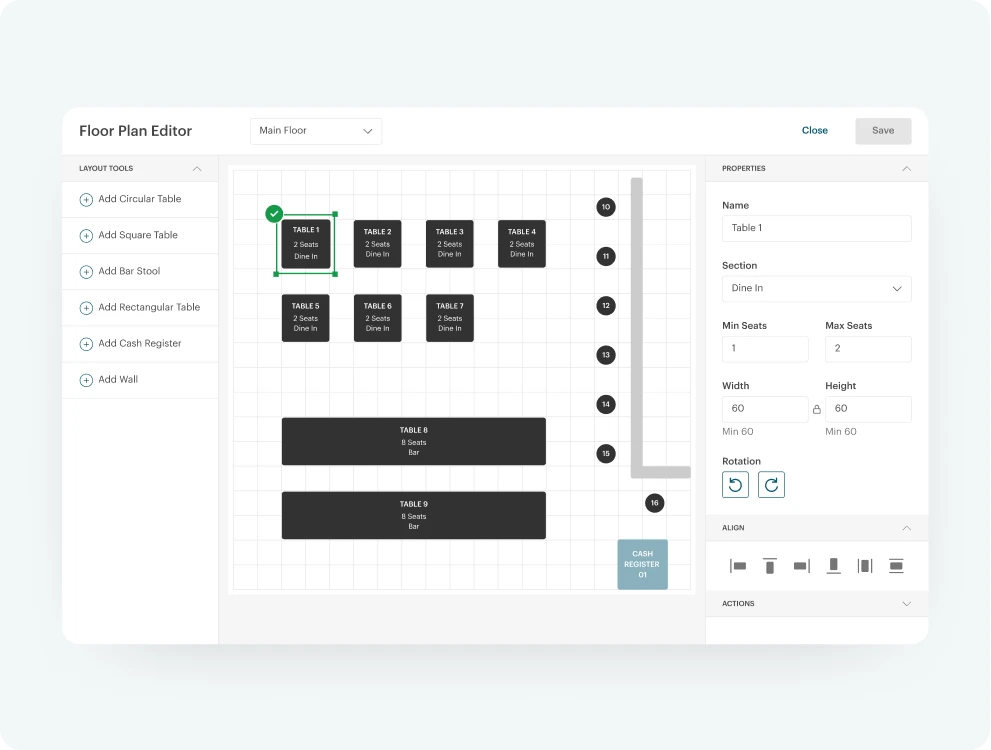
Floor plan management shown on TouchBistro’s official product page.
Visit the official TouchBistro pageTouchBistro combines floor plans, table management, tableside ordering, menu management, reporting, staff features, and optional kitchen and guest-engagement products. Its restaurant-specific design and established iPad workflow make it a strong option for operators who want a conventional POS suite built around Apple tablets.
Choose TouchBistro when integrated payment options, reservations, loyalty, marketing, and a mature vendor relationship matter more than Open Order's flexible cross-device workflow.
3. Square for Restaurants: best for existing Square businesses
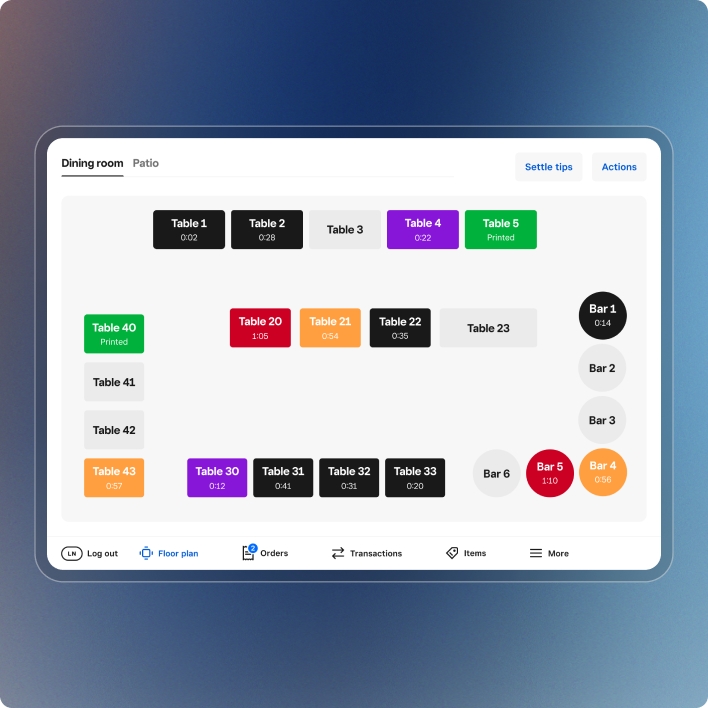
Restaurant table layout shown on Square’s official product page.
Visit the official Square for Restaurants pageSquare for Restaurants provides table and seat management, configurable floor plans, kitchen display connections, menu controls, payment processing, and reporting. It is especially attractive when a restaurant already uses Square and wants operations to join the same account, hardware, and payment environment.
Choose Square when payment familiarity and the wider Square ecosystem are decisive. Choose Open Order when the live restaurant map and the complete floor-to-kitchen workflow deserve centre stage.
4. Lightspeed Restaurant: best for broad operational management
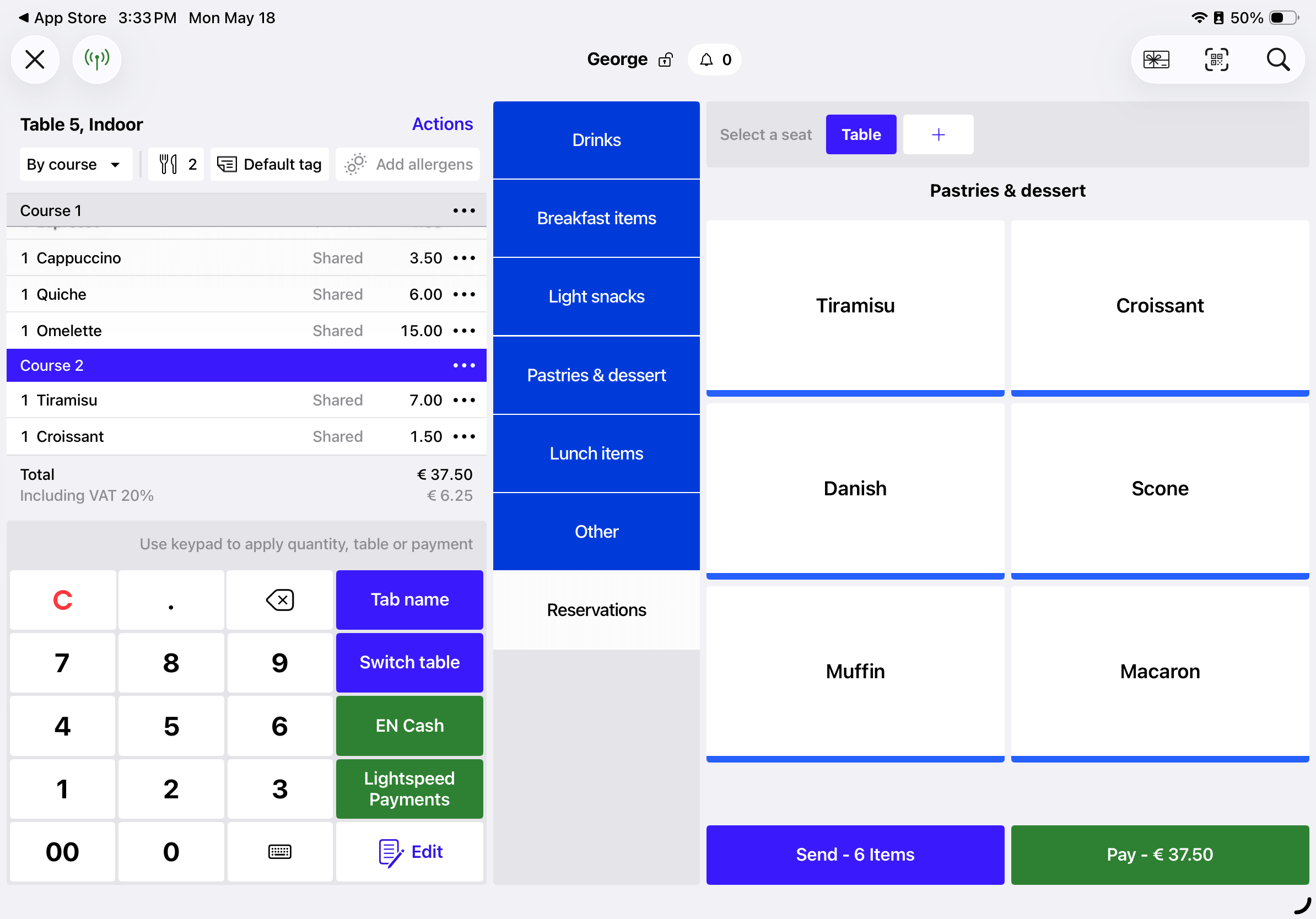
Restaurant order workflow shown in Lightspeed’s official product documentation.
Visit the official Lightspeed Restaurant pageLightspeed supports customizable menus, adjustable floor plans, kitchen displays, tableside ordering, inventory, reporting, and multi-location management. It is a capable choice for operators that need an established platform spanning many business functions.
Its breadth can be valuable for a growing restaurant group. Open Order remains the more focused choice for teams that want everyday service to feel direct and visually connected across phones and tablets.
5. Toast: best for dedicated hardware and ecosystem depth
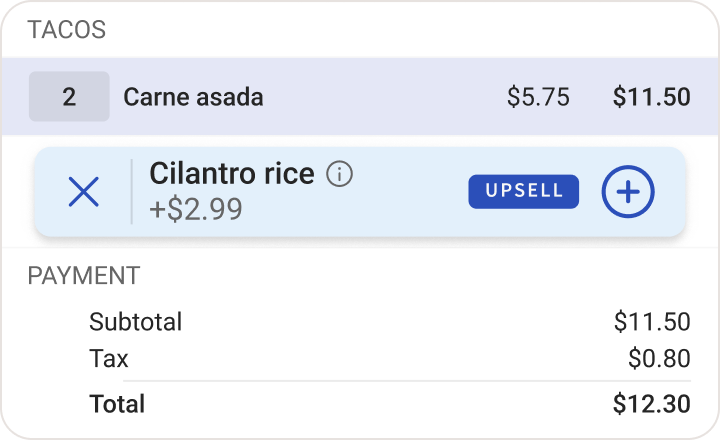
Order-list interface shown on Toast’s official point-of-sale page.
Visit the official Toast pageToast combines purpose-built terminals and handhelds with kitchen displays, online ordering, payments, loyalty, marketing, payroll, and numerous integrations. It is particularly strong for high-volume restaurants that want durable dedicated hardware and a single commercial vendor for a large part of the business.
Toast ranks fifth only under this article's visual simplicity criteria, not because it lacks capability. For ecosystem breadth and dedicated restaurant hardware, it may rank first. For an adaptable service map and a focused daily workflow, Open Order has the advantage.
How to choose the right restaurant app
Before selecting a platform, run one real service scenario from beginning to end:
- Change the room layout for a large booking.
- Update a dish and its price.
- Take a guest order with a modification.
- Send it to the kitchen and mark it ready.
- Split or complete the payment and produce a receipt.
- Find the order later and confirm the day's totals.
The best system is the one that makes that journey obvious to the whole team. Open Order takes first place here because its floor map, Chef View, guest ordering, live updates, receipts, and reporting form one visible operational story.