How to Choose a Stock Market Dashboard for Your Portfolio
A buyer’s checklist for investors who want market information to stay connected to the positions and plans they already have.
Jenius Tech SRL
A useful stock market dashboard connects three questions: what is happening in the wider market, how it relates to your holdings and what deserves a closer look. Choose around that review rather than the number of charts on screen.
Open Fire is Jenius Tech’s portfolio and market dashboard. It brings holdings, watchlists, risk context, alerts, DCA reminders and retirement scenarios into a connected workspace for individual investors.
Start with the positions you actually own
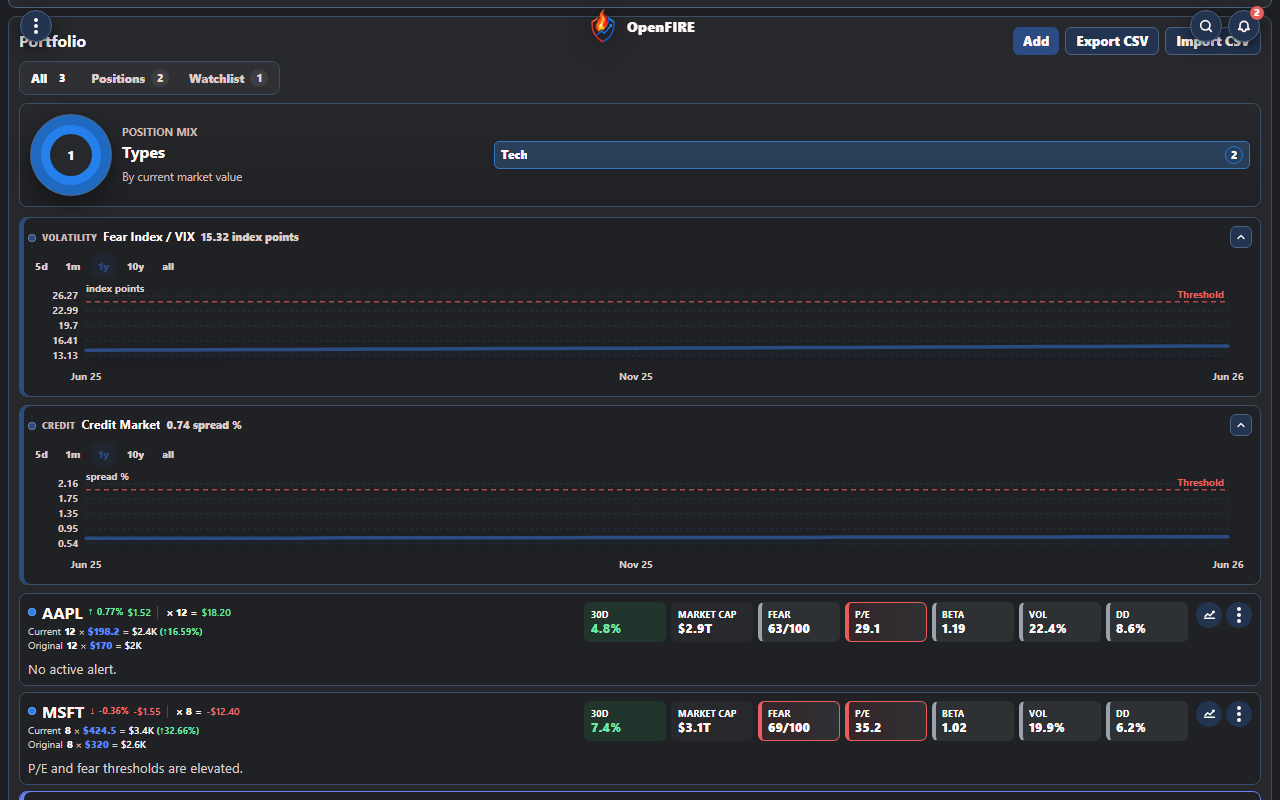
Investors can distinguish invested positions from ideas and review the portfolio mix.
Look for a clear distinction between holdings and watchlist ideas. A symbol you are researching should not be confused with money already invested. In Open Fire, position and watchlist filters keep these views separate, while holding details and the position mix help you review exposure.
Use a familiar test: find one holding, check its recorded size and review how it contributes to the portfolio picture. A dashboard is easier to trust when you can reconcile its records with your own account statements.
Put the wider market in context
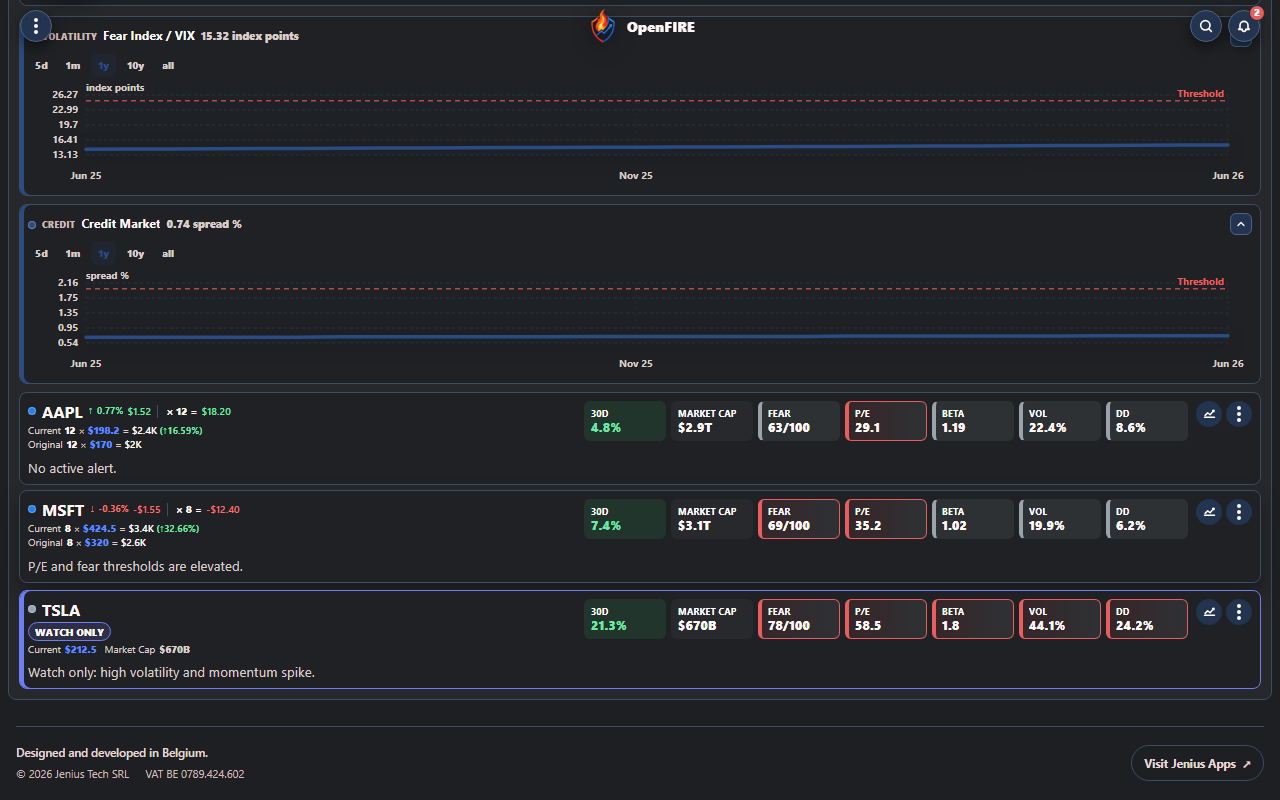
Market trend charts put a current observation beside a longer view.
Volatility and credit trends can inform a review, but they do not tell you what an individual position will do next. Open Fire shows market gauges and trend charts so a changing headline has a wider context.
Cboe describes VIX as a measure of expected near-term S&P 500 volatility derived from options. It does not indicate market direction or directly measure the risk of every holding. Read Cboe’s VIX explanation before interpreting it as a portfolio signal.
Ask any dashboard how recent its information is and what an unavailable value means. A missing or stale observation should prompt a check rather than a confident conclusion.
Make alerts useful to your review
An alert should explain what needs attention. Open Fire brings triggered position alerts together and offers Telegram configuration for scheduled briefings. Check the threshold, symbol and available information before deciding whether an alert matters to your plan.
Prefer a small set of relevant conditions over a stream of messages. Receiving an alert is a reason to review; it is not an instruction to place a trade.
Connect the review to a longer plan
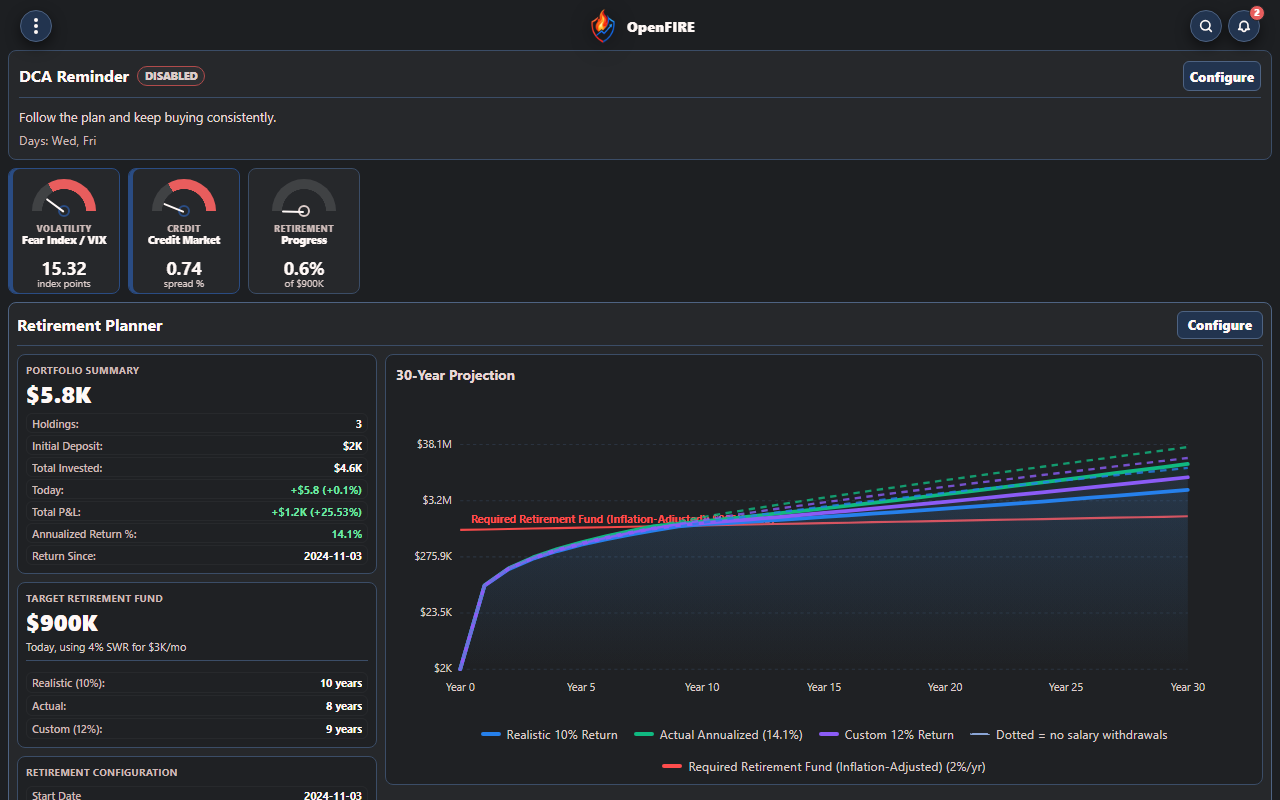
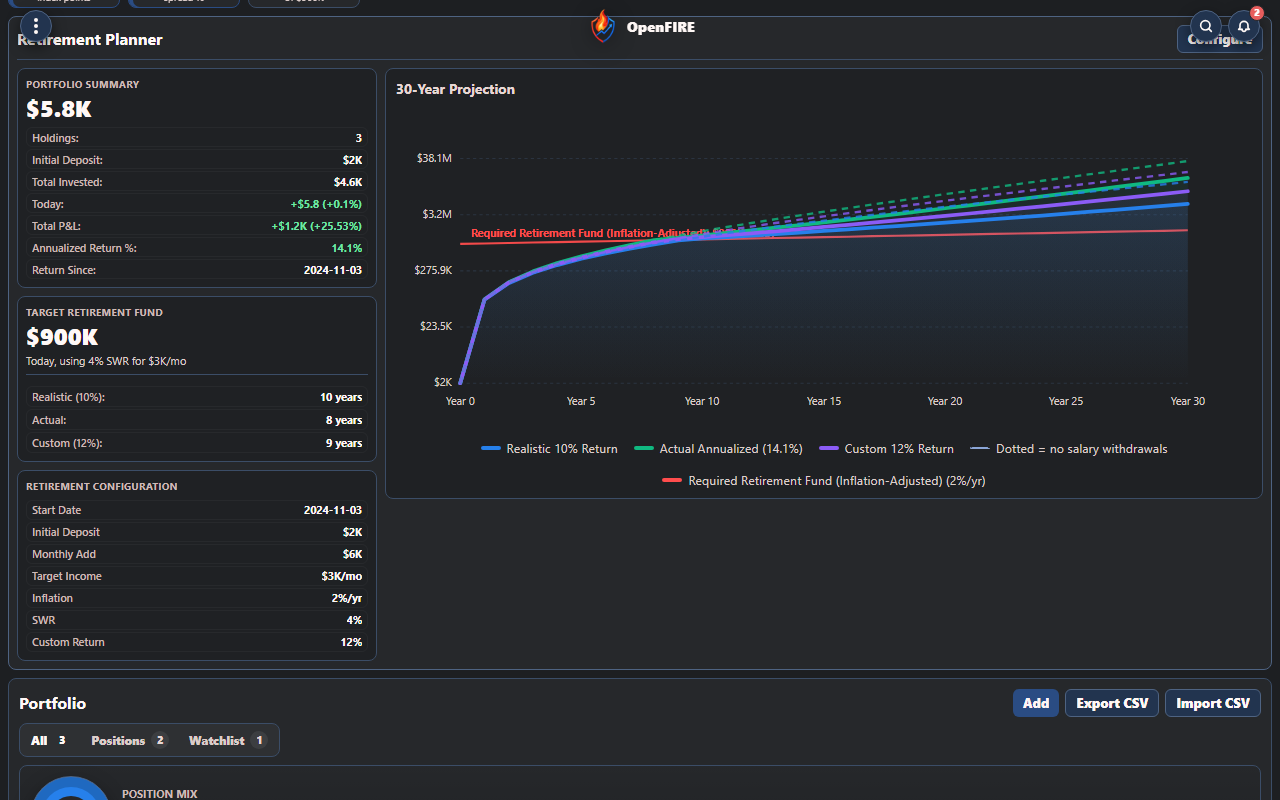
Planning assumptions stay close to the portfolio rather than in a disconnected calculation.
Open Fire’s DCA settings support reminder days and an investing note. Its retirement planner connects portfolio information with contribution, inflation, return and withdrawal assumptions.
These tools organize a routine and explore scenarios. A reminder does not execute an investment, and a projection does not guarantee a future outcome. Choose a dashboard that helps you keep those distinctions visible.
Try one complete review
Before choosing, walk through a realistic sequence: locate a holding, separate a watchlist idea, inspect a market trend, review an alert and check a planning assumption. Make a note of any data coverage or calculation you need to confirm.
Who is Open Fire for?
Individual investors who want portfolio monitoring, wider market context and longer-term planning close together in one workspace.
Does a dashboard replace a broker or adviser?
No. Reconcile investment records with your broker and use the dashboard as a monitoring and planning aid.
What should determine the choice?
The review you need to perform, the data you need to cover and whether the limits of that data are clear.