
S Panel
S Panel turns either screen edge into a shortcut for the information and tools people reach for most. Weather and a private clipboard stay available without interrupting the app already on screen.
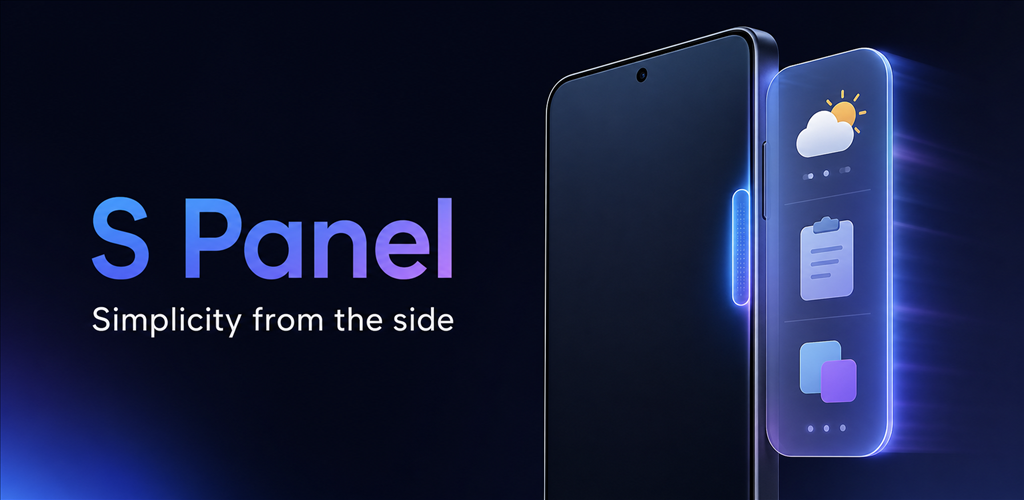 Everyday tools, one swipe away
Designed around the real workflow.
Open useful tools instantly from either side of the screen.
See hourly weather, sunrise, sunset, and a five-day forecast.
Keep copied text and images private, organized, and ready to reuse.
Adjust position, size, transparency, color, feedback, and screen-edge access.
Weather, clipboard, and personal controls within reach.
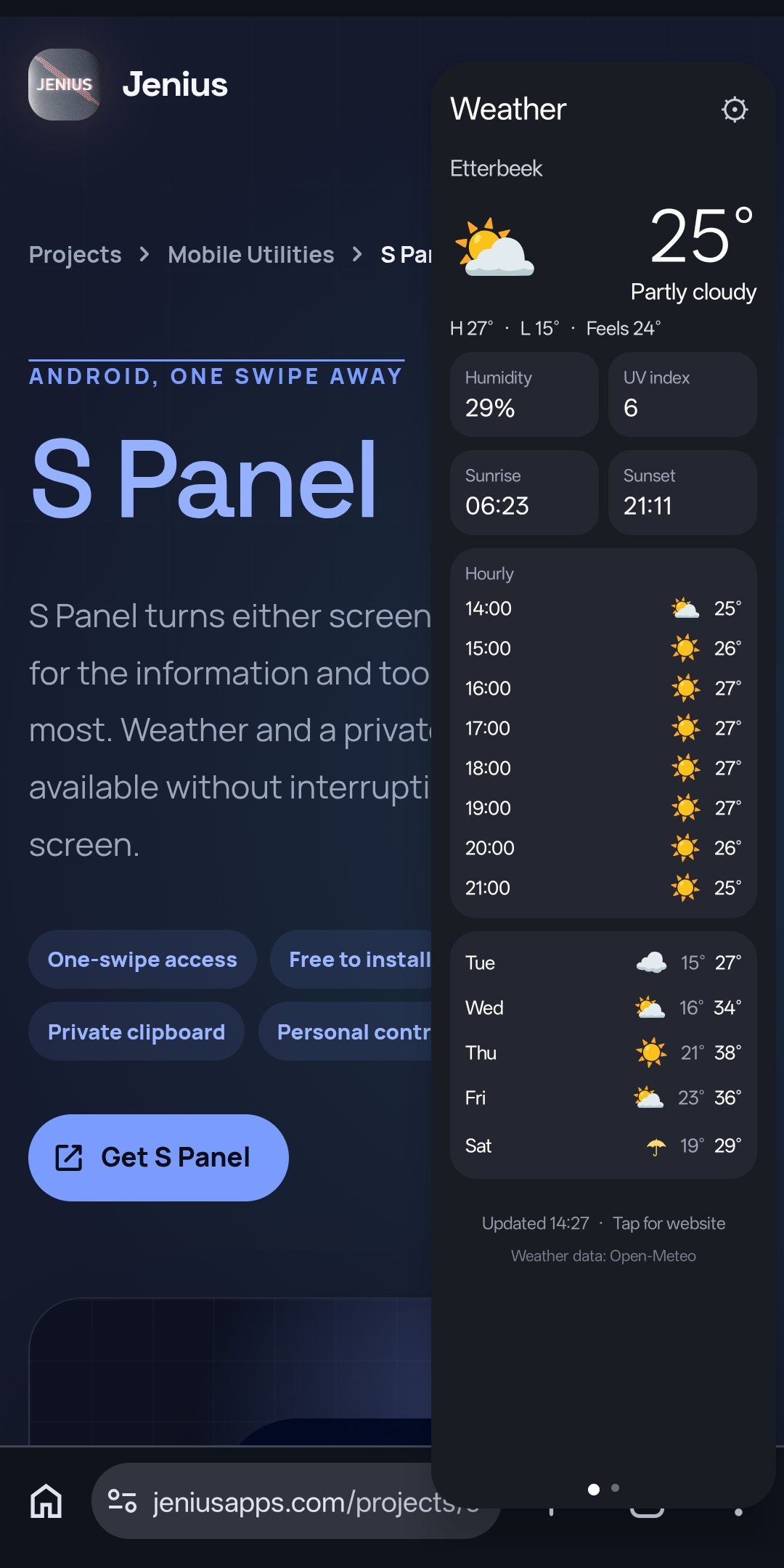
Check conditions without leaving the current app.
See current conditions, hourly changes, the five-day outlook, sunrise, sunset, humidity, and UV information in one focused panel.
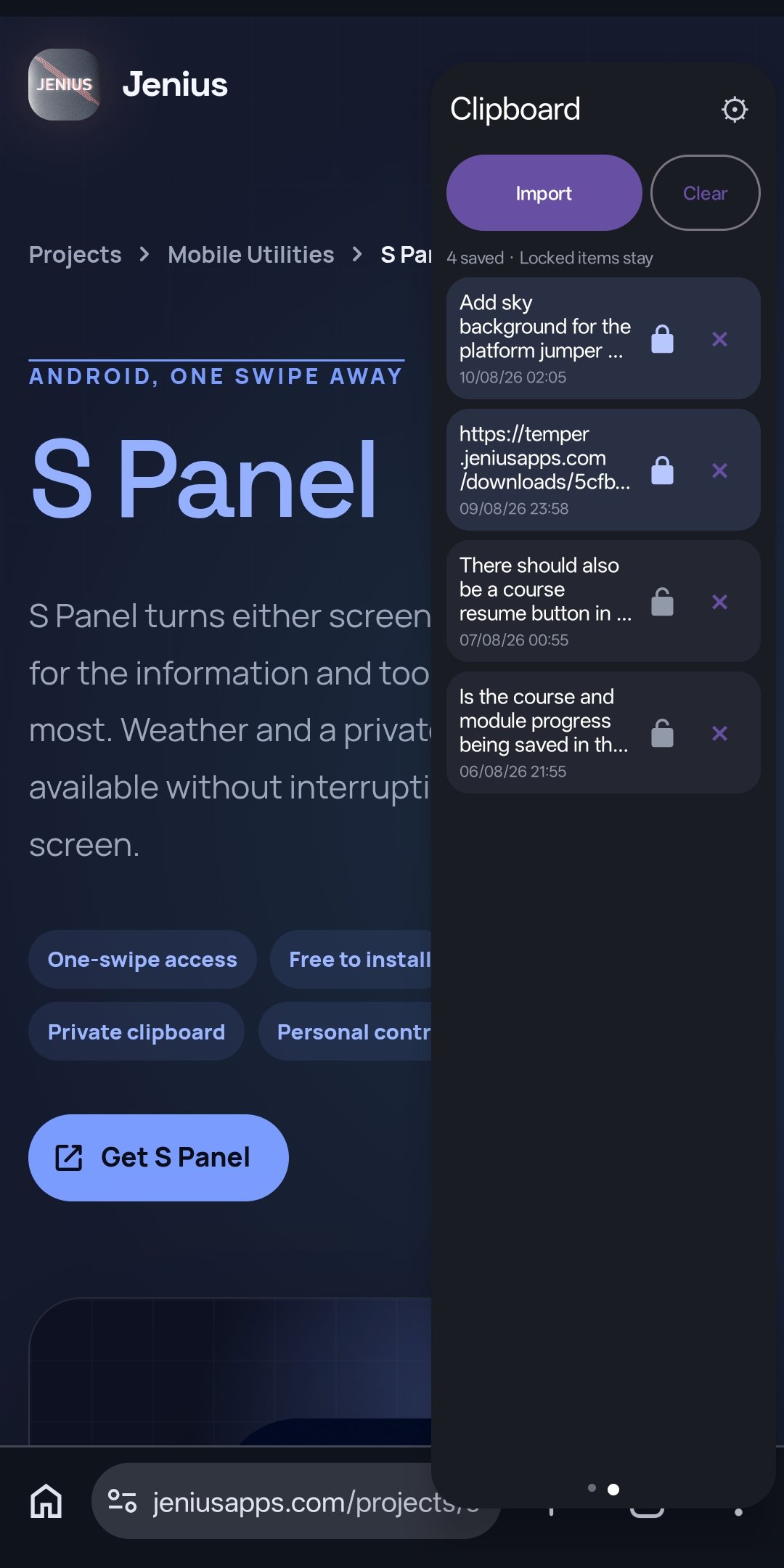
Keep useful clips ready for the next paste.
Save text and images, protect important items, and clear ordinary history while locked clips remain available.
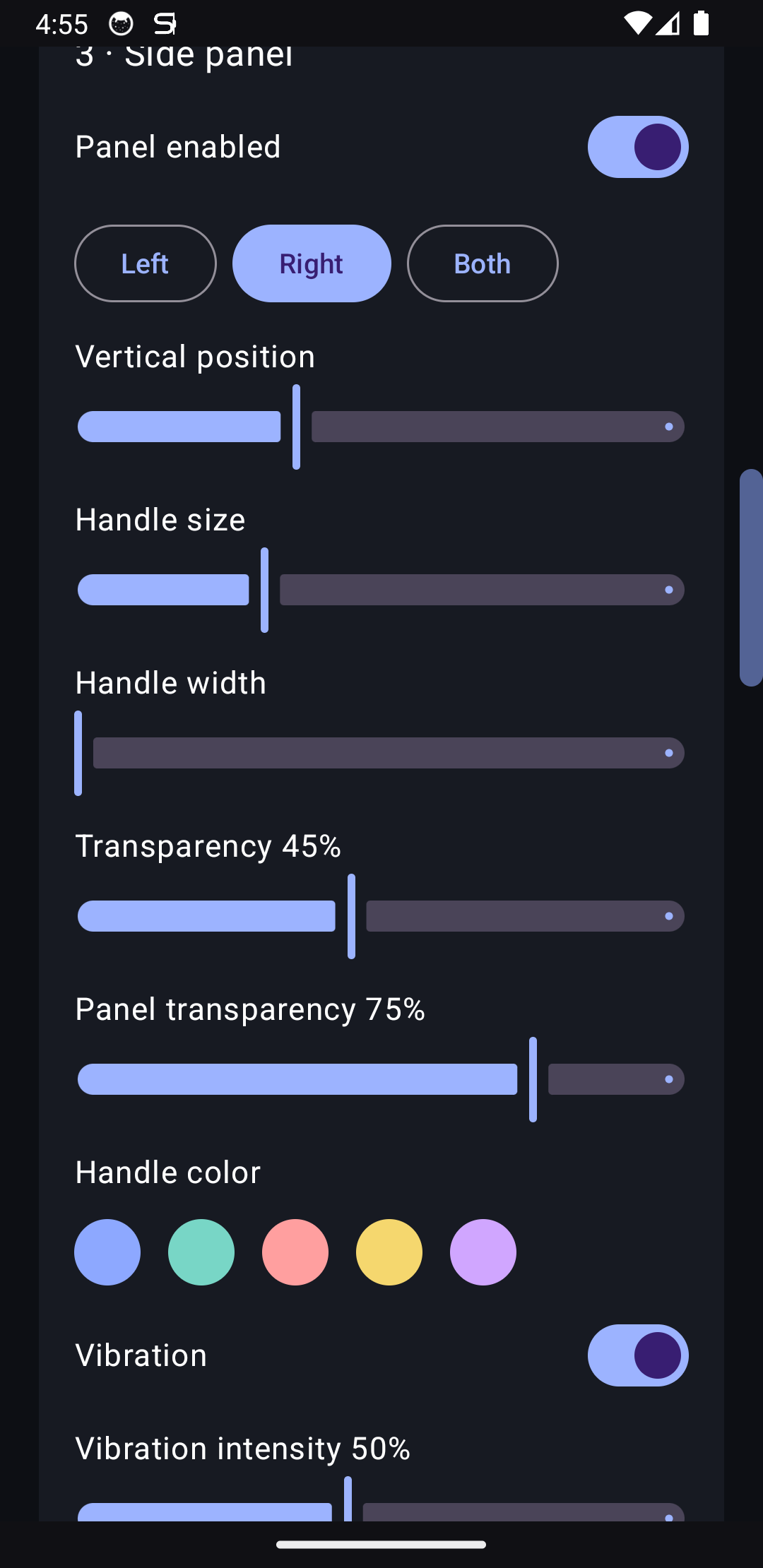
Shape the side handle around the way you use your phone.
Choose the left, right, or both edges, then tune position, dimensions, transparency, color, vibration, and feedback strength.
Learn more about S Panel.
Read practical guidance, comparisons, and everyday ways to get more from the product.
Compare the best Android side panels
See how S Panel compares with popular edge-panel tools and why its practical weather and private clipboard stand out.
Read the article GuideLearn how S Panel works
Explore the weather, private clipboard, protected clips, and personal controls available from one screen-edge swipe.
Read the article