Use AI to propose an arrangement while keeping sound choices, musical edits and the final listening decision in your hands.
Jenius Tech SRL
An AI music editor is most useful when its proposal becomes something you can inspect and change. Open Remixer combines AI-assisted template planning with an editable arrangement, so creators can continue choosing sounds, adjusting musical blocks and listening critically.
Use this workflow when you have a direction in mind but want help developing the arrangement. It is different from applying a quick effect to an uploaded recording.
Give the arrangement a clear brief
In Create with AI, describe the mood, instrumentation and movement of the track. Pair that description with the production controls: genre, approximate length, arrangement flow and melodic detail. Choose a sound palette deliberately rather than requesting everything at once.
A useful brief describes roles: a steady bass foundation, a lead phrase that returns, a contrasting piano passage and an atmospheric breakdown. The AI has a clearer target when the parts have a purpose.
Approximate duration and a chosen genre guide generation; they are not a promise of a particular musical quality. Local AI also depends on device support and its model setup. Remote AI requires configuration in your account.
Listen to an editable result
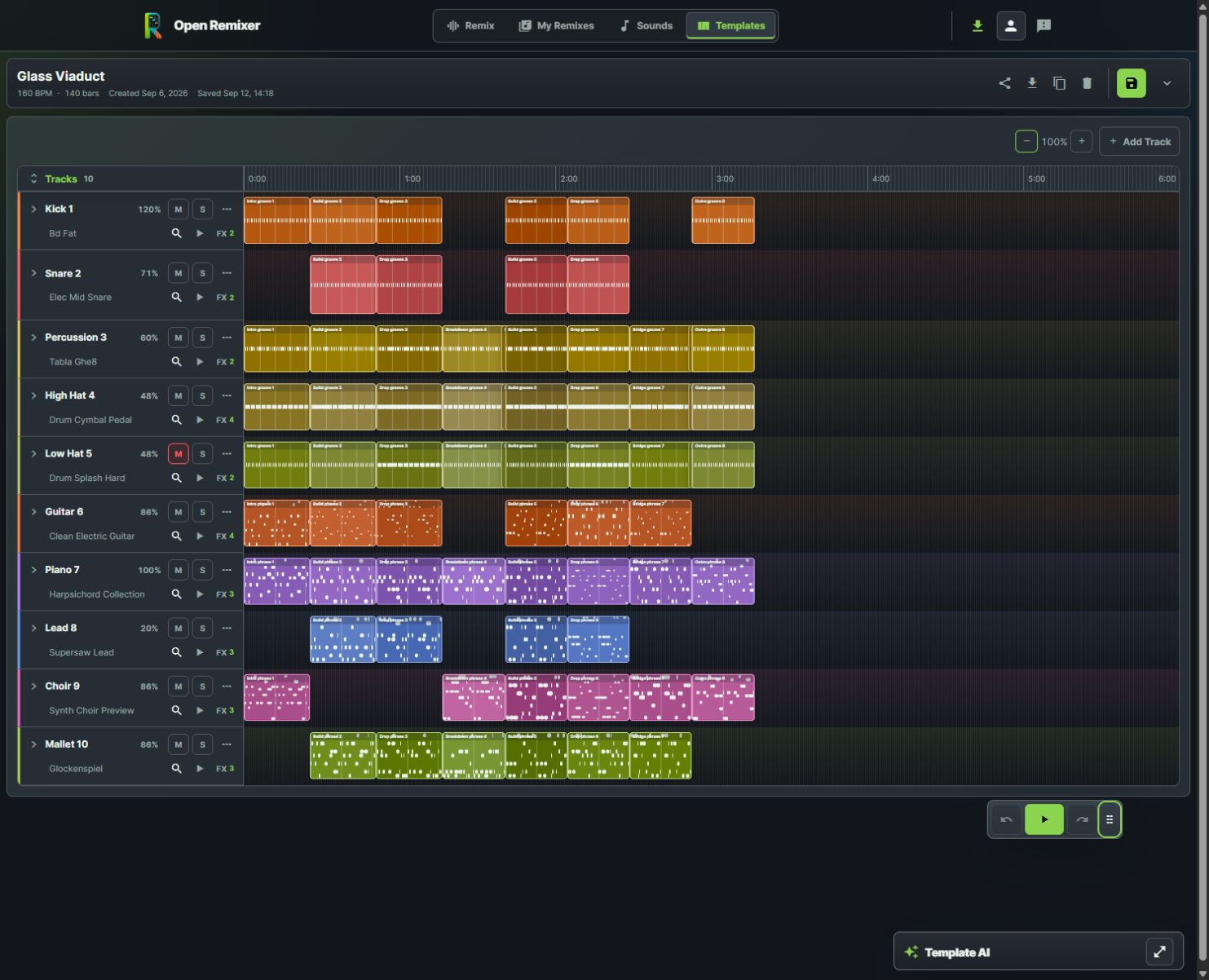
Creators can inspect the real arrangement and refine tracks after an AI proposal.
After creation, review the actual lanes and blocks. Listen to an early section, a peak and a transition before judging the whole piece. A plausible description is not evidence that the arrangement sounds balanced.
The template editor exposes track sounds, volume, mute, solo and effects alongside the timeline. Use those direct controls when a musical decision is easier to express by editing than by writing another prompt.
Keep sound choices intentional
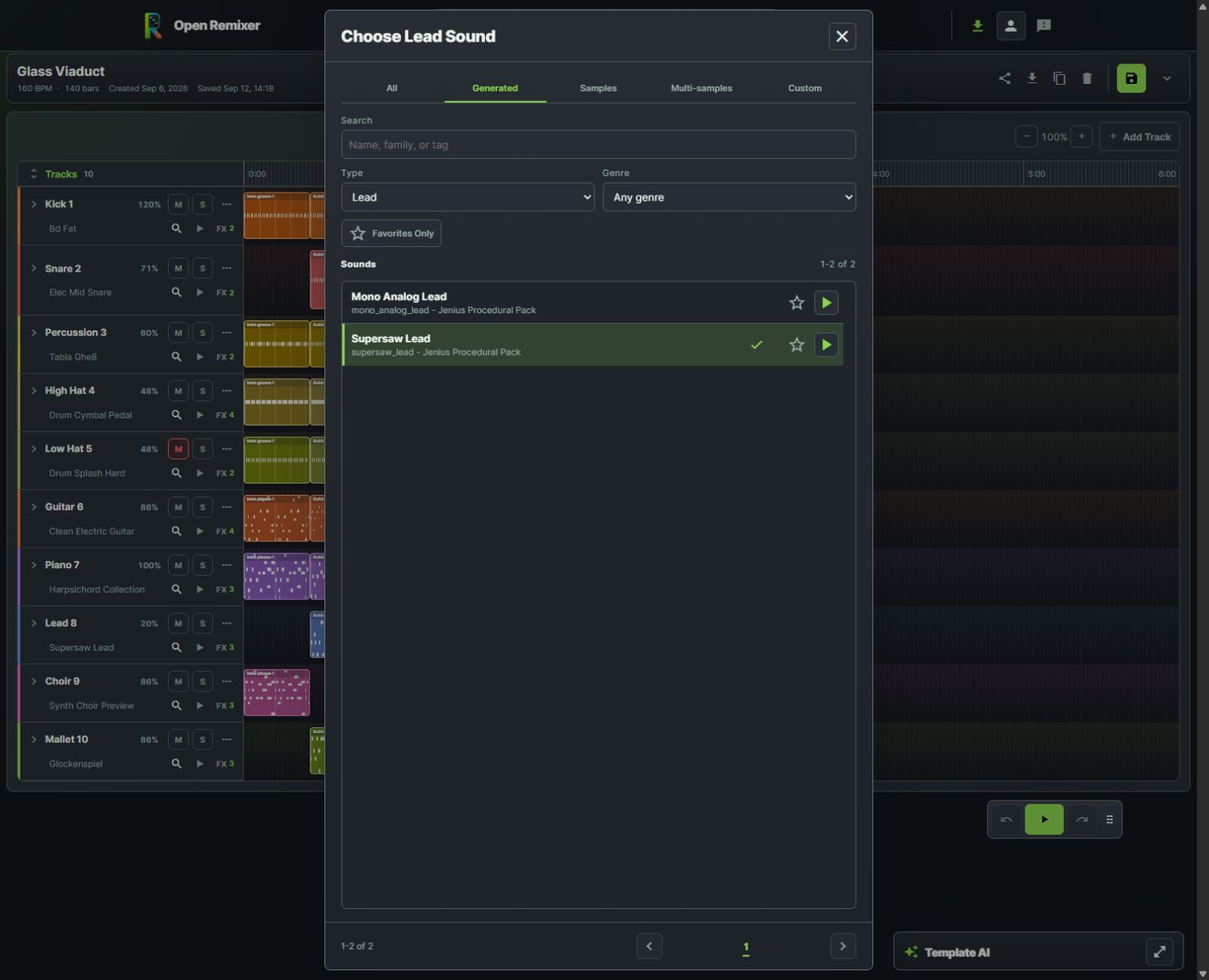
Auditioning sound choices keeps the final palette under the musician’s control.
Audition alternatives in the sound picker and return to the full arrangement. A bright lead can dominate a dense melody; a bass with a long release can blur a fast rhythmic passage. Change one sound at a time and listen to the same section afterward.
When several melodic instruments are present, give each one a role. Let one lead carry the phrase while another answers it, then reduce supporting parts where the main idea needs space.
Ask for a supported, specific edit
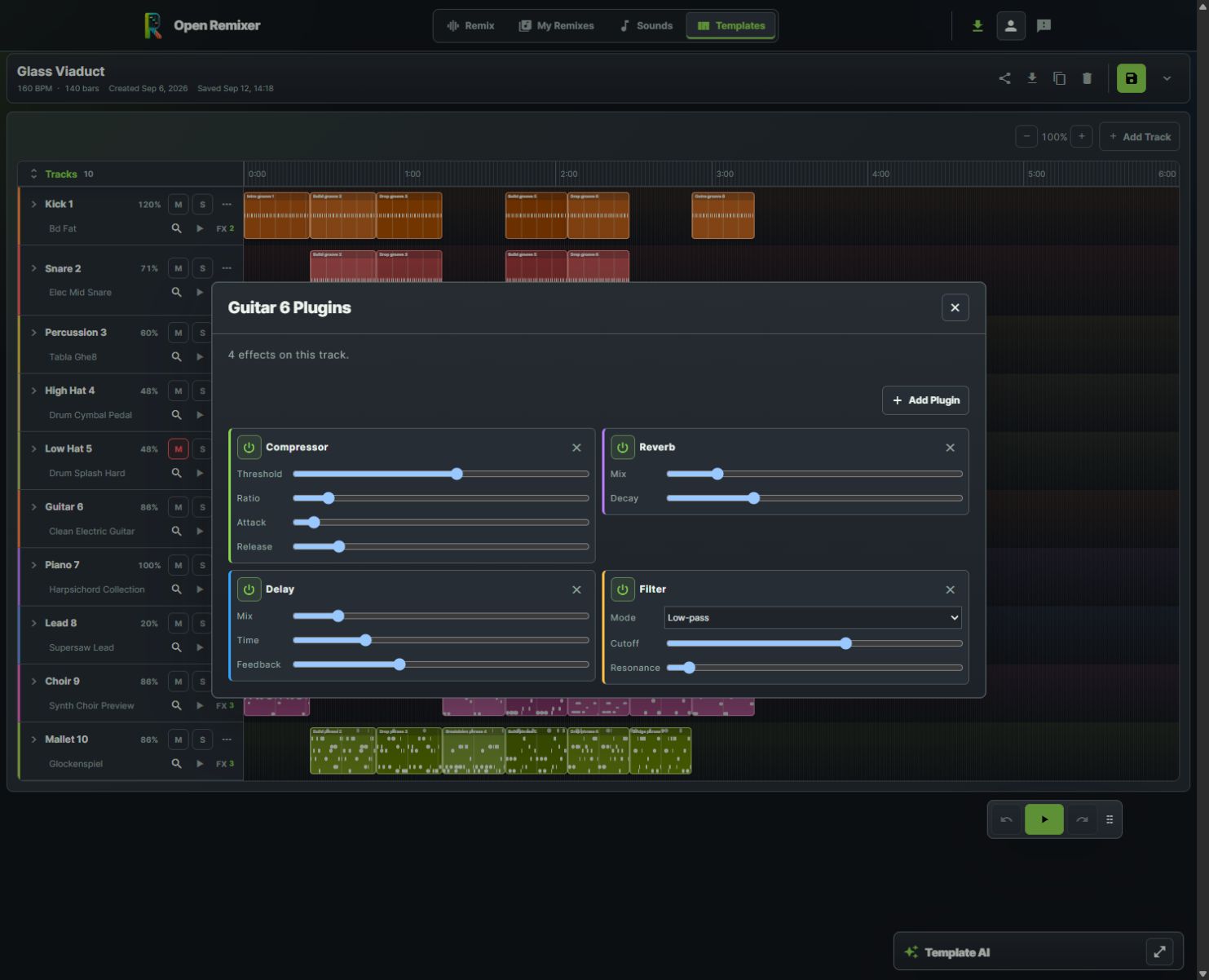
Fine-tune four effects on the guitar track while hearing their role in the full arrangement.
Template AI chat supports focused changes such as track volume, pan, width, mute, tempo, transposition, melody, block settings, existing effects and automation. A request like “reduce the bass volume” is easier to review than “make everything better.”
Treat each response as a proposal. Check what changed, audition the affected passage and use Undo if it moves away from your intent. Adding tracks and replacing sounds are broader operations; do not assume every prompt behaves like a small adjustment.
Finish with your own listening pass
Play the arrangement end to end. Check competing melodies, overloaded low frequencies, abrupt transitions and effect tails. Save the version you want to revisit and export only after you have heard the result.
Does AI replace the editor?
No. Generated templates remain editable, and manual controls remain part of the creative workflow.
Is a generated arrangement automatically release-ready?
No. Review musical quality, audio balance and the rights or terms relevant to your sounds and intended publication.
What should I ask AI to change first?
Choose one audible problem and describe its scope: a lane, a section or a specific effect. Then compare before and after.